

Image segmentation via point prompts#
Image segmentation via point prompts is a fiftyone-labs features that lets users interactively add keypoints to an image and use these keypoints for generating segmentation masks via a promptable segmentation model. There are two main components in this feaure:
The
click_segmentationpanel is an interactive tool for generating point prompts via clicks on theSamplemodal. These point prompts can be input to a promptable segmentation model (such as Segment Anything Model) to create segmentation masks.The
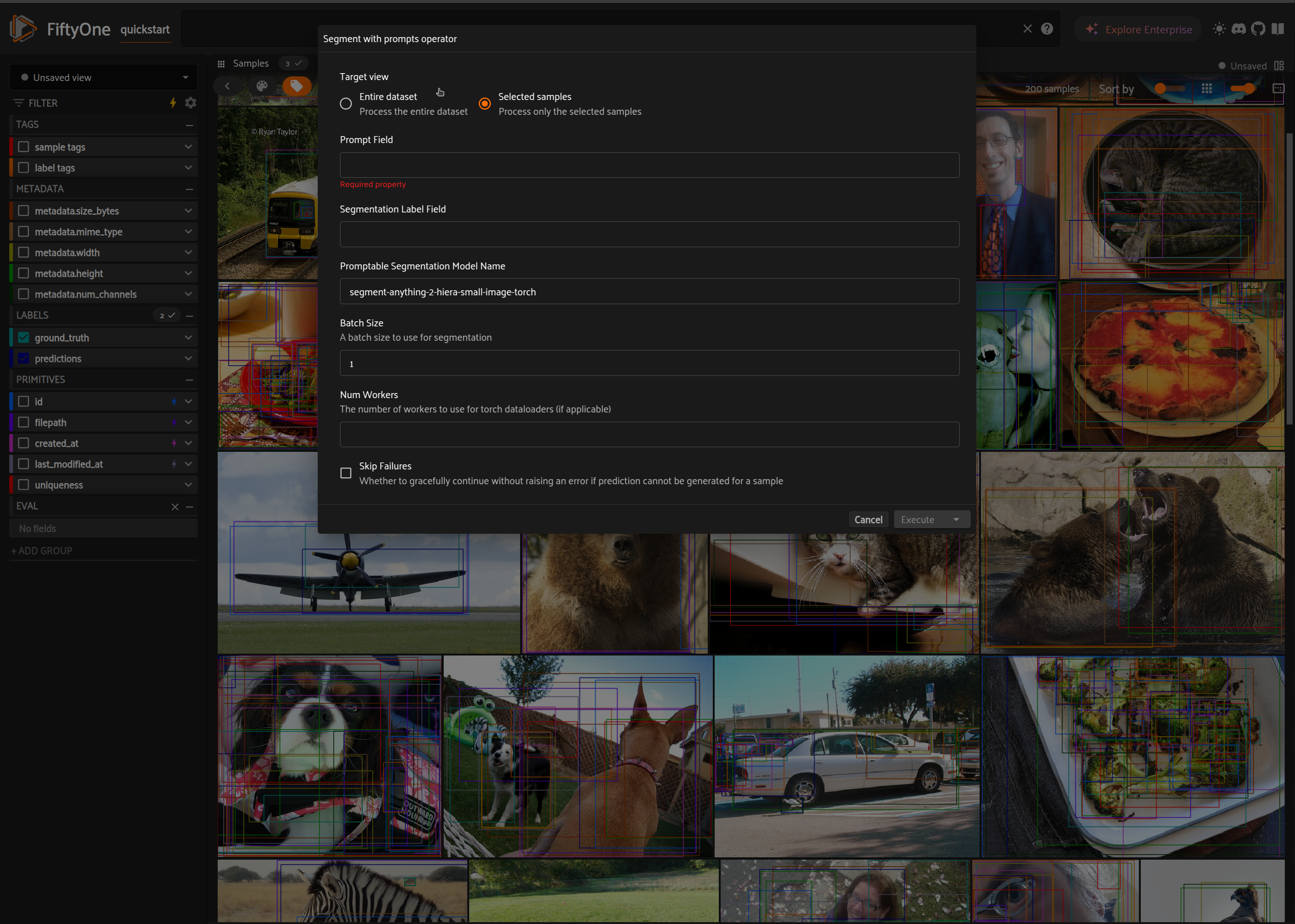
segment_with_promptsoperator is a standalone operator that can be used to run a promptable segmentation model with either box or keypoint prompts saved in a sample field. The operator may be applied to the entire dataset or a subset of the dataset.
Usage#
Click To Segment Panel#
import fiftyone.zoo as foz
import fiftyone as fo

dataset = foz.load_zoo_dataset("quickstart")
# For a smoother experience, ensure that samples have metadata.
if dataset.count("metadata") != len(dataset):
    dataset.compute_metadata()

session = fo.launch_app(dataset)
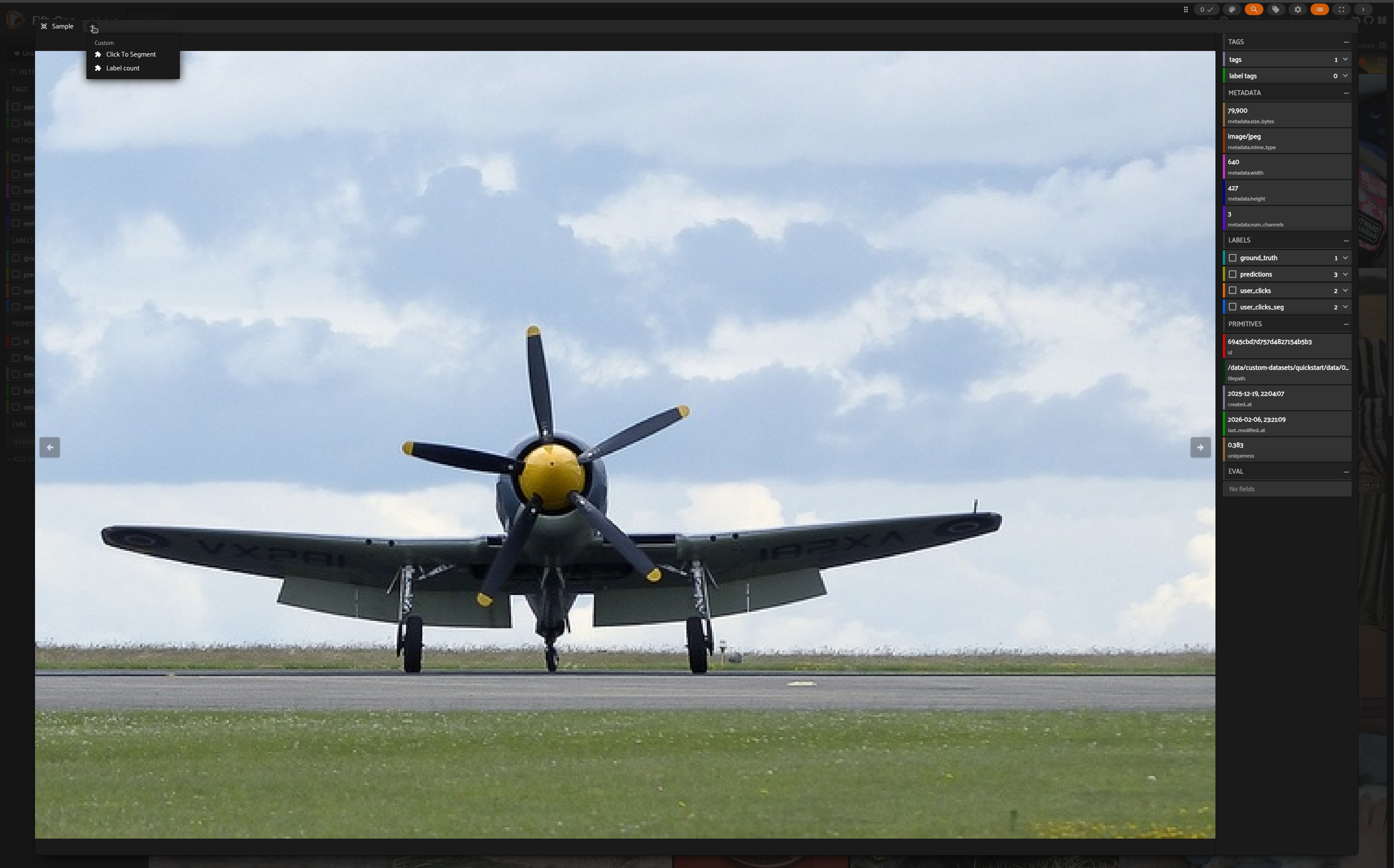
Select a sample and open Click To Segment panel
Enable capture mode by checking the box
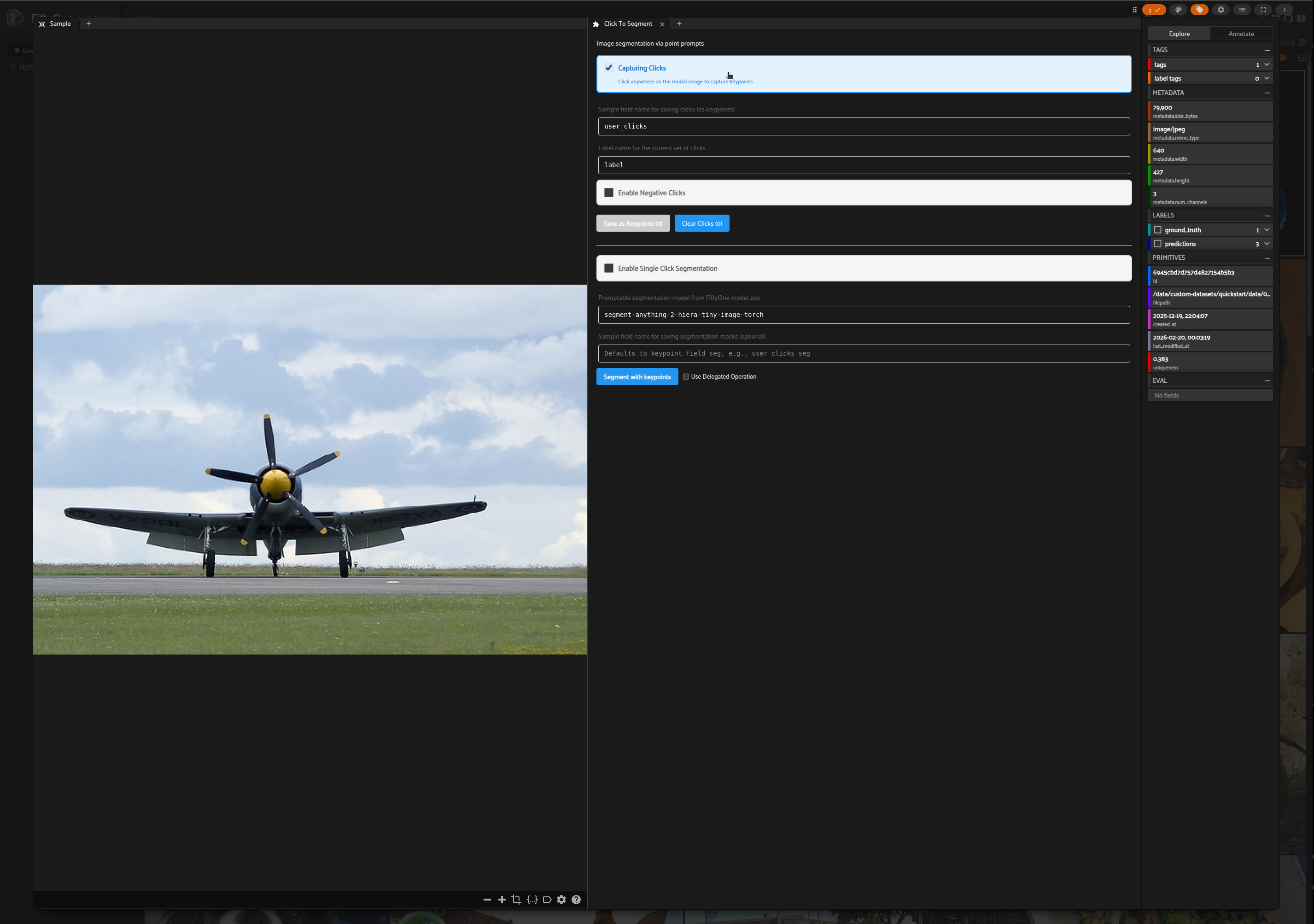
The panel has two modes of operation:
Multiple Click Capture: Users can save multiple sets of clicks and manually trigger segmentation.
Single Click Capture: Users can click on the sample modal and segmentation will auto-trigger.
Multiple Click Capture#
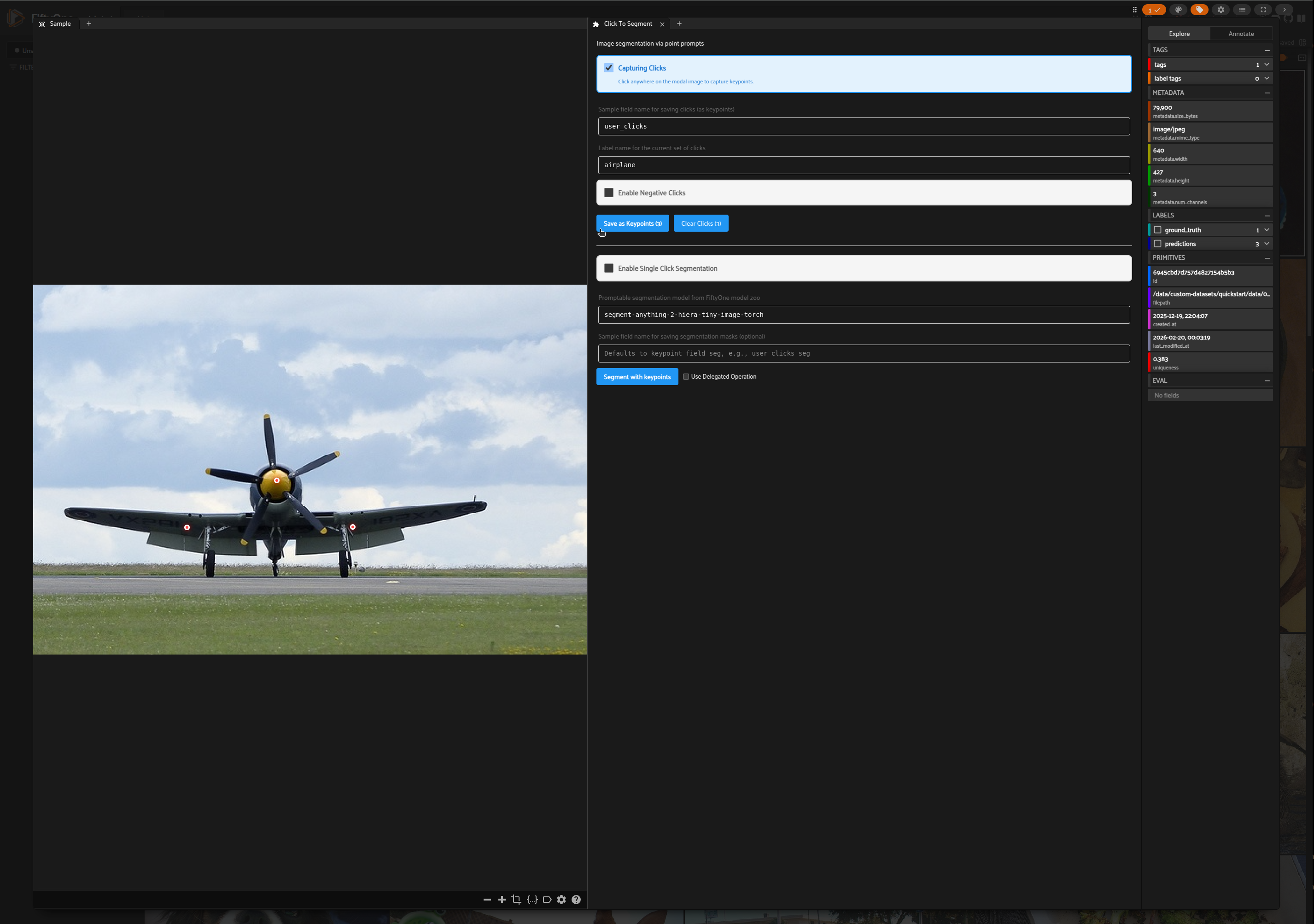
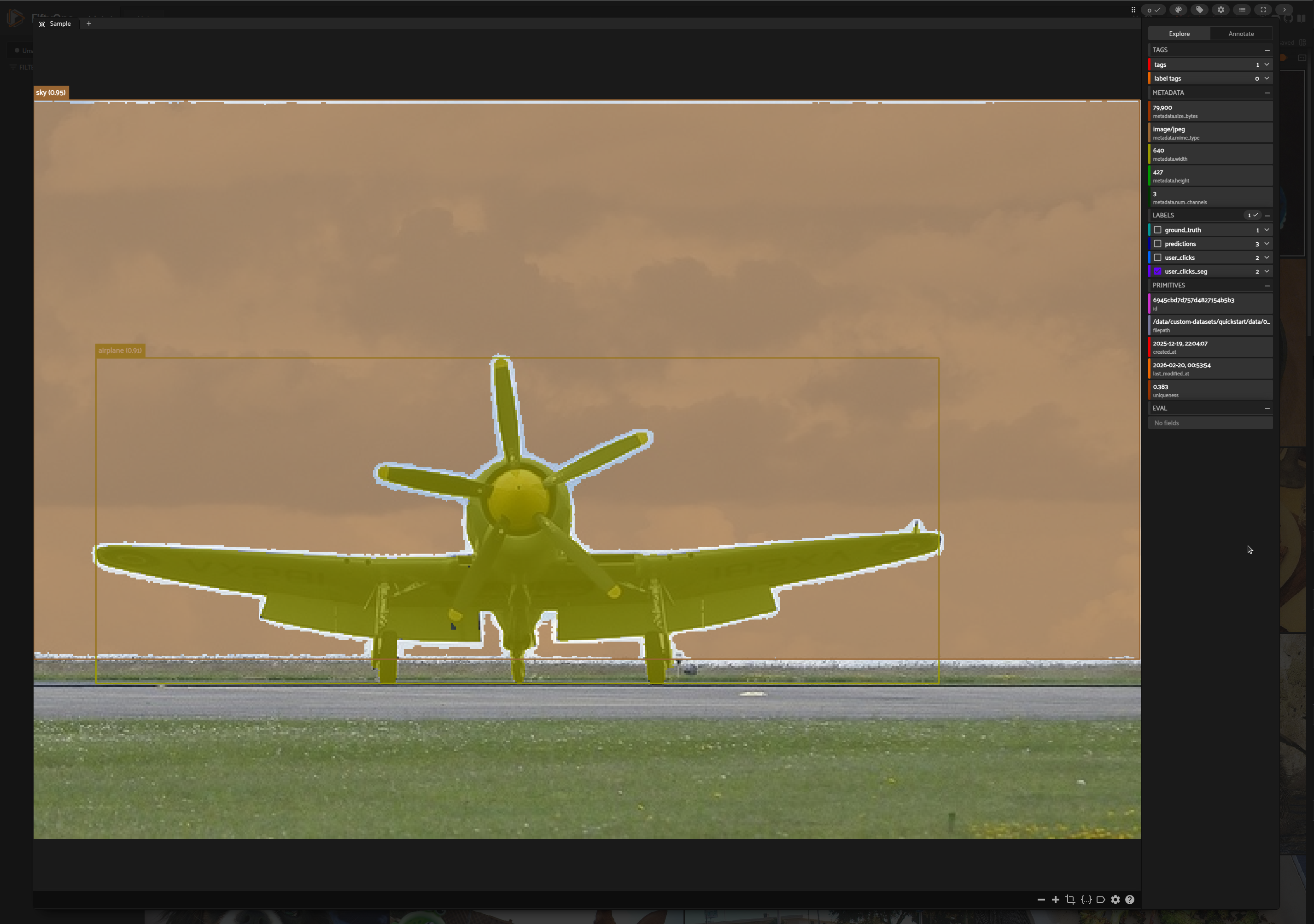
In the Sample modal, add a set of clicks for airplane and save as keypoints
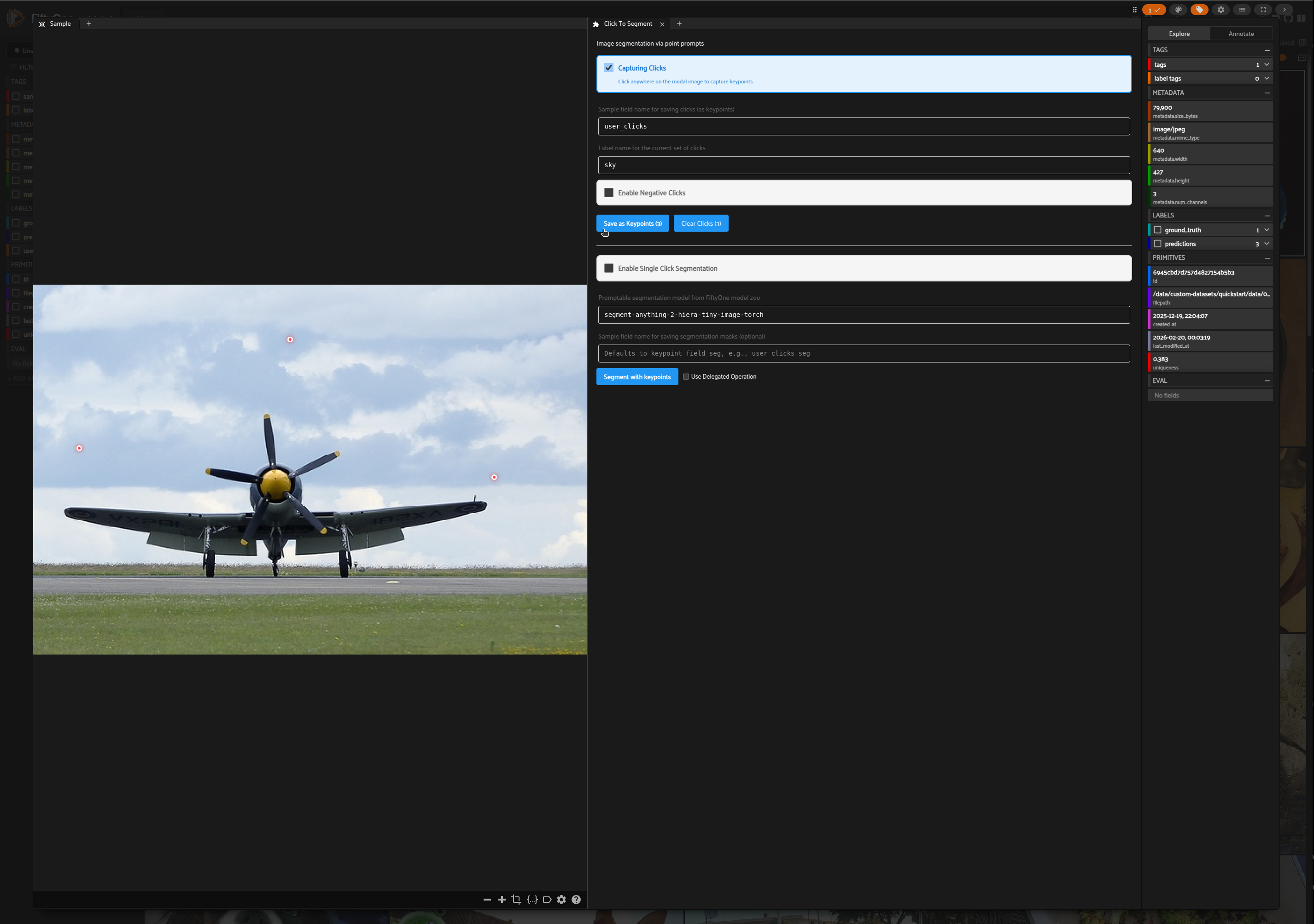
Add another set of clicks for sky and save as keypoints
Choose a segmentation model from FiftyOne model zoo and click on Segment with Keypoints button
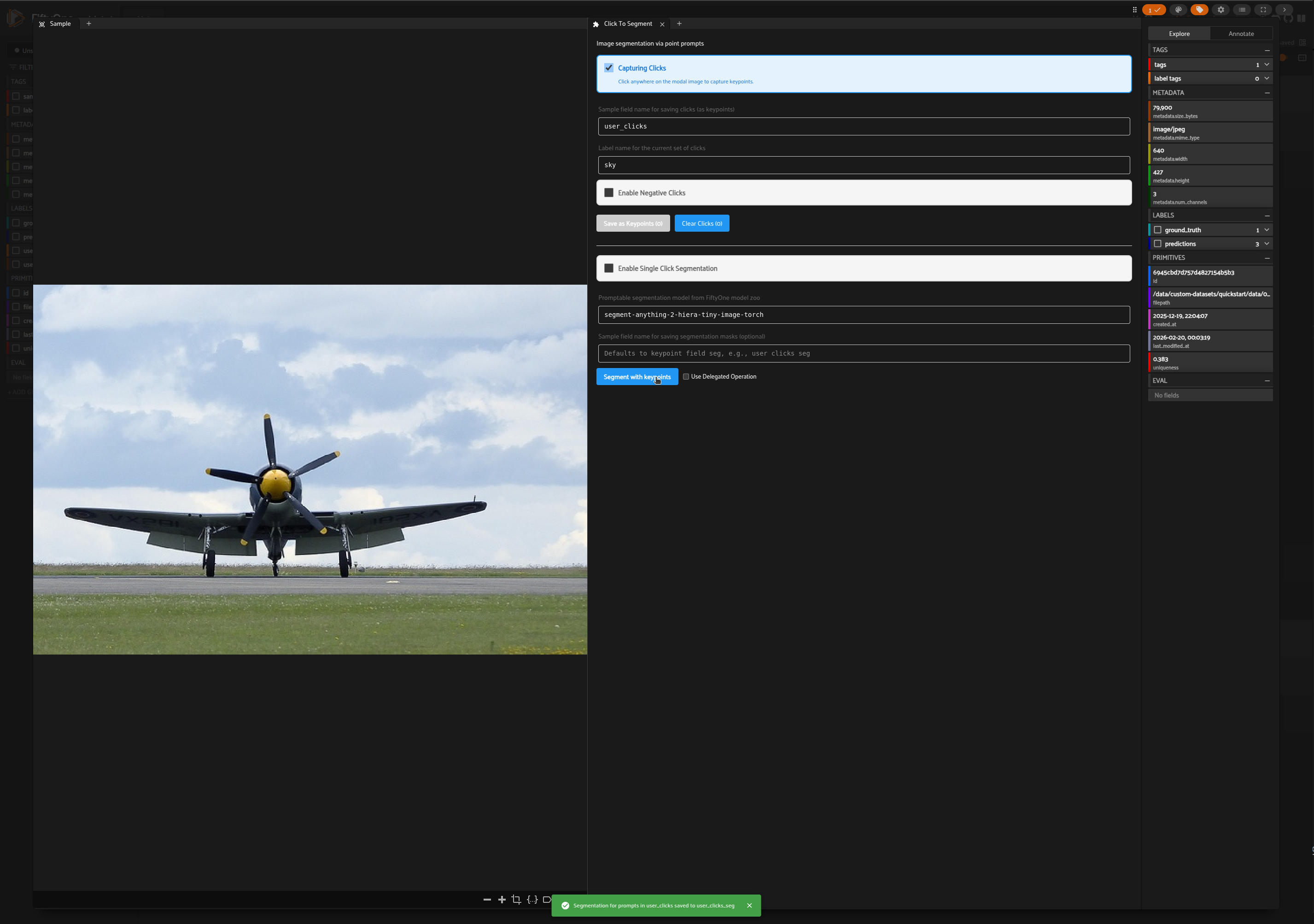
Segmentation masks will be added to the Sample
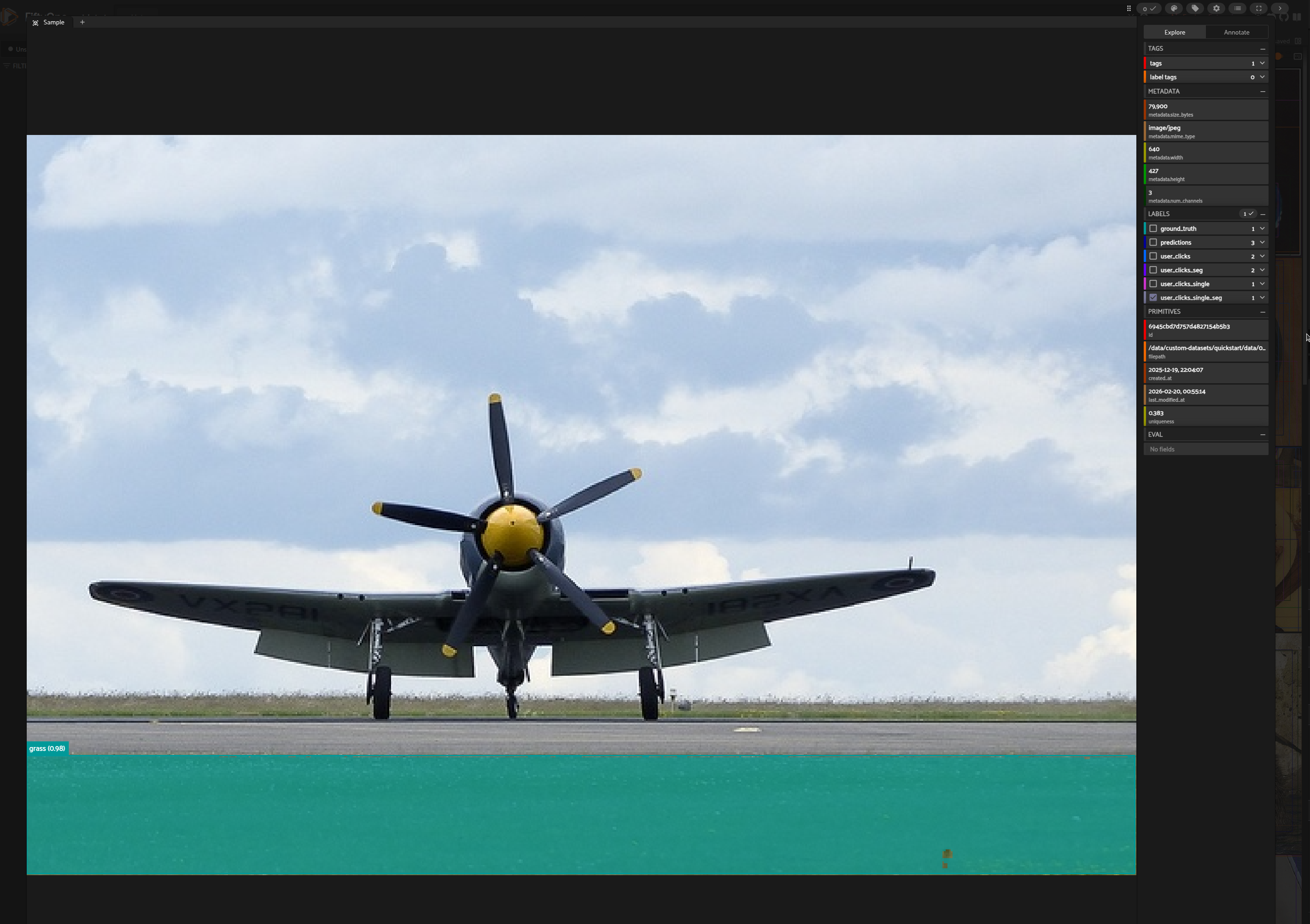
Single Click Capture#
In the Click To Segment panel, enable single click segmentation by checking the box
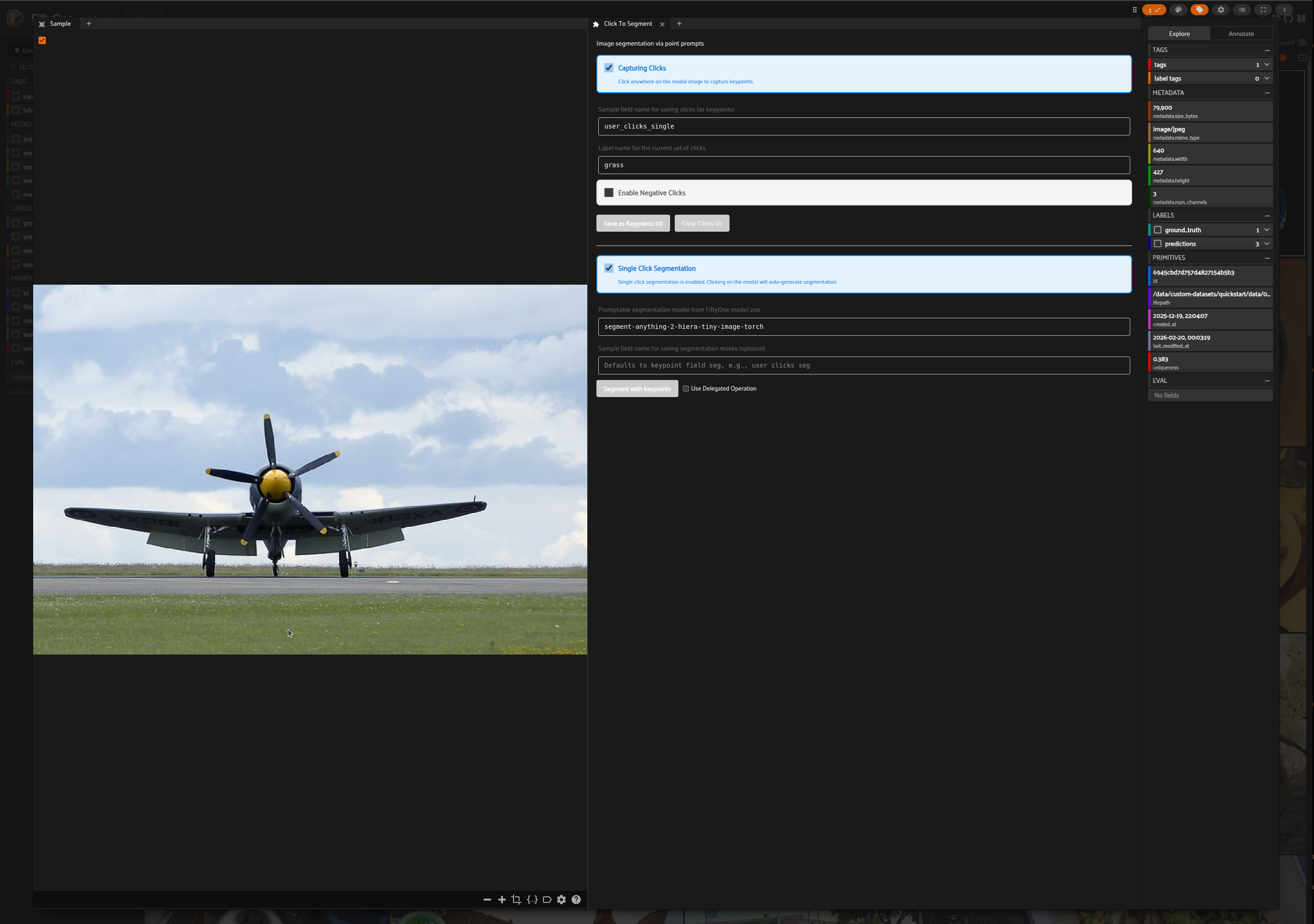
Add a click on the Sample modal to trigger auto-segmentation
Segment With Prompt Operator#
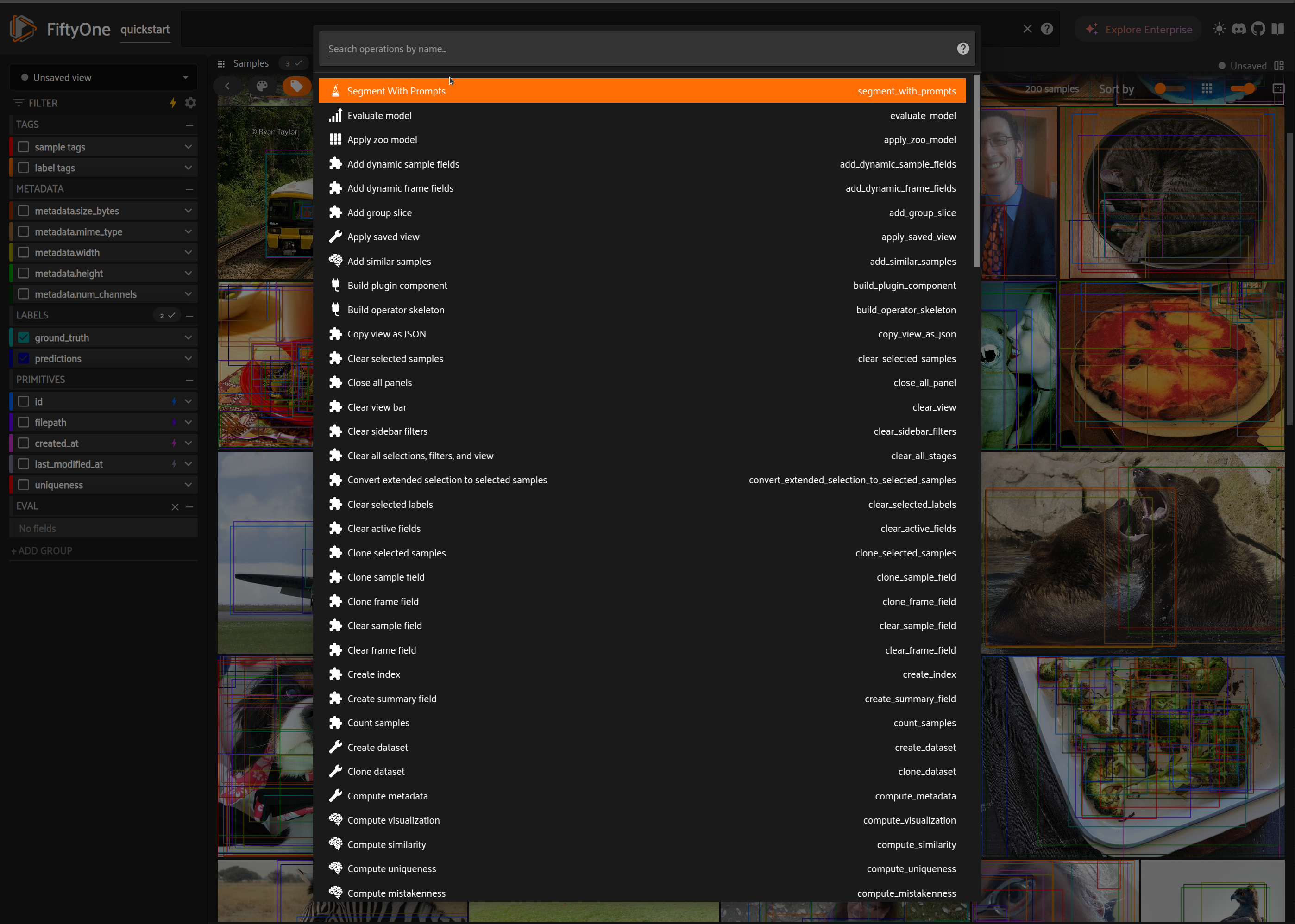
Launch the Segment With Prompts operator from the dropdown operators menu
Add inputs and trigger execution
Delegated Operation To run Segment With Prompts operator with delegated operation, see the instructions here. You can also enable delegated operation via Click To Segment panel by checking the Use delegated operation checkbox next to Segment With Keypoints button.