#### NOTE
This is a **community plugin**, an external project maintained by its respective author.
Community plugins are not part of FiftyOne core and may change independently.
Please review each plugin’s documentation and license before use.

# Audio Loader
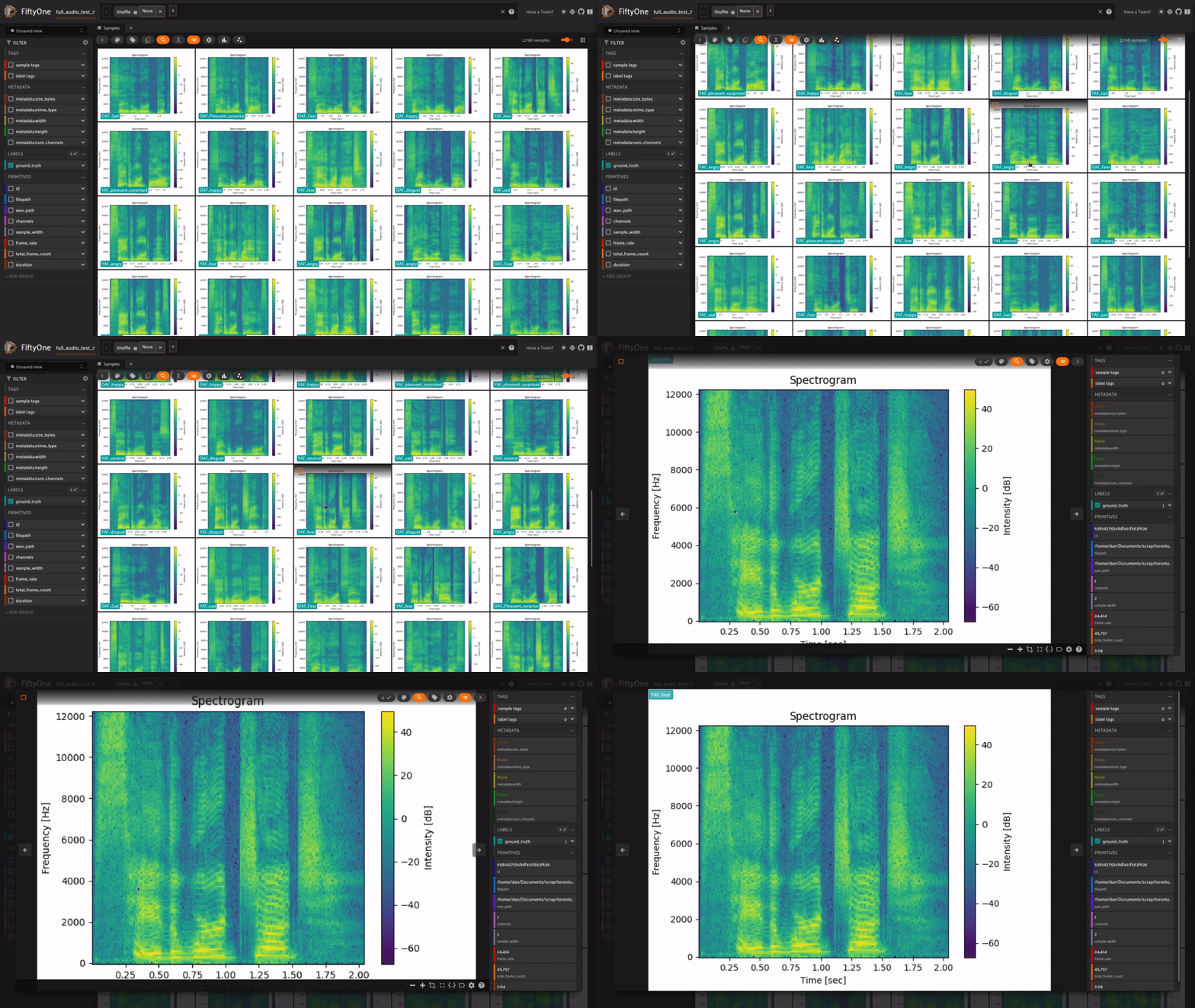
This FiftyOne plugin is a Python plugin that allows for you to load in your audio datasets as spectograms in FiftyOne!
Explore a whole new modality with FiftyOne!
# Installation
```shell
fiftyone plugins download https://github.com/danielgural/audio_loader
```
# Operators
## `load_audio`
Loads audio files in that are saved as “.wav” files based on classification directory tree. Such as:
```default
/
/
.wav
.wav
...
/
.wav
.wav
...
...
```
When loading, spectograms will be created for each audio file and saved to the output directory. For example, if input directory = output directory:
```default
/
/
.wav
.wav
...
/
.png
.png
...
/
.wav
.wav
...
/
.png
.png
...
...
```
Additionally, frame_rate, duration, channels, sample_width, and total_frame_count will be added as fields to the sample as well!