
# Apply image model to video frames
The `video_apply_model` operator offers a torch dataloader for loading videos frames from a FiftyOne video dataset and applying the image model to each video frame.
This Labs feature supports reading videos from a FiftyOne video dataset via `model_inference.TorchVideoFramesDataset` which uses FFmpeg decoder and loads chunks of frames from each video.
## Usage
### Via FiftyOne App
```python
import fiftyone.zoo as foz
import fiftyone as fo
dataset = foz.load_zoo_dataset("quickstart-video")
session = fo.launch_app(dataset)
```
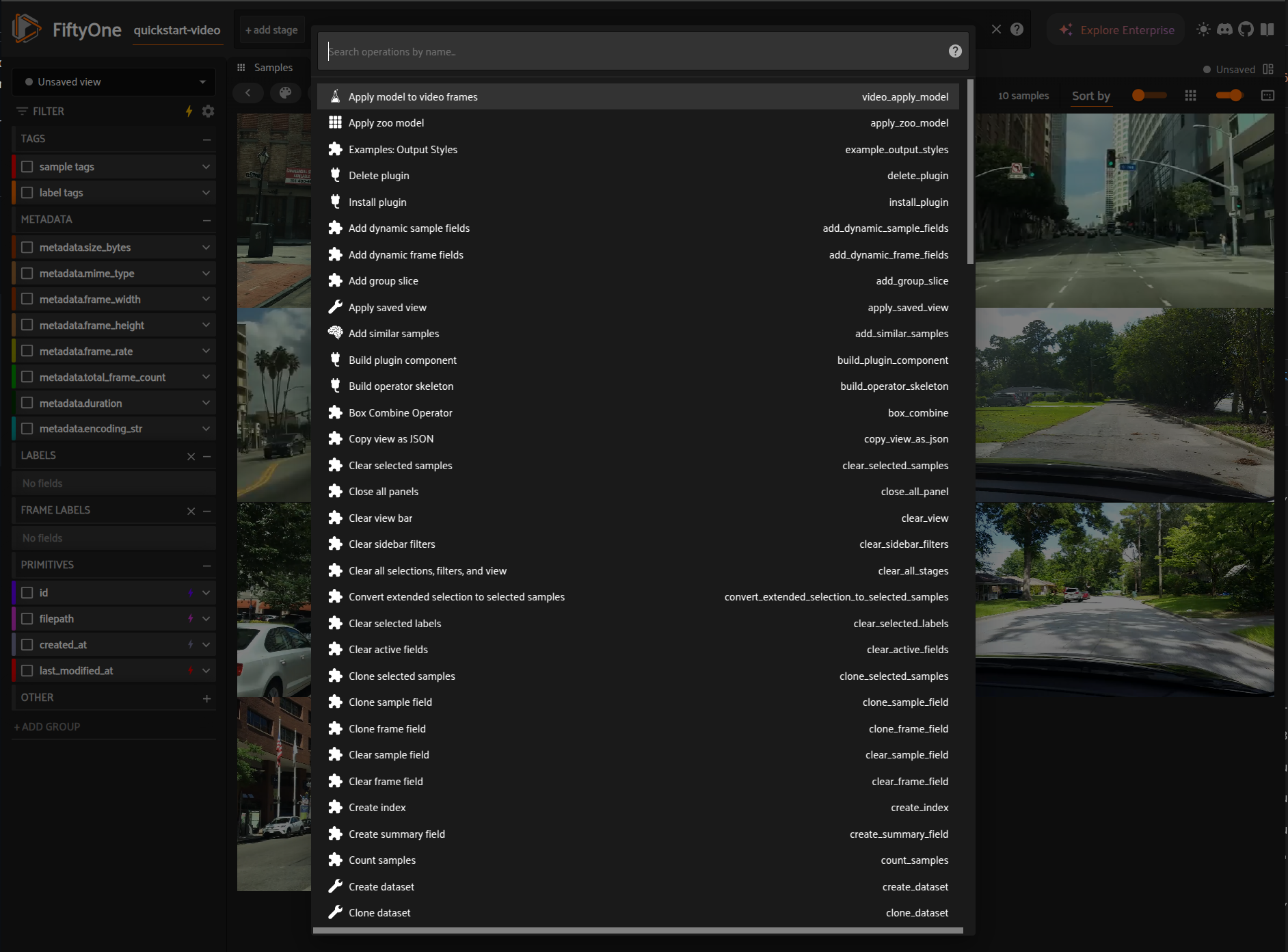 *Select video_apply_model operator*
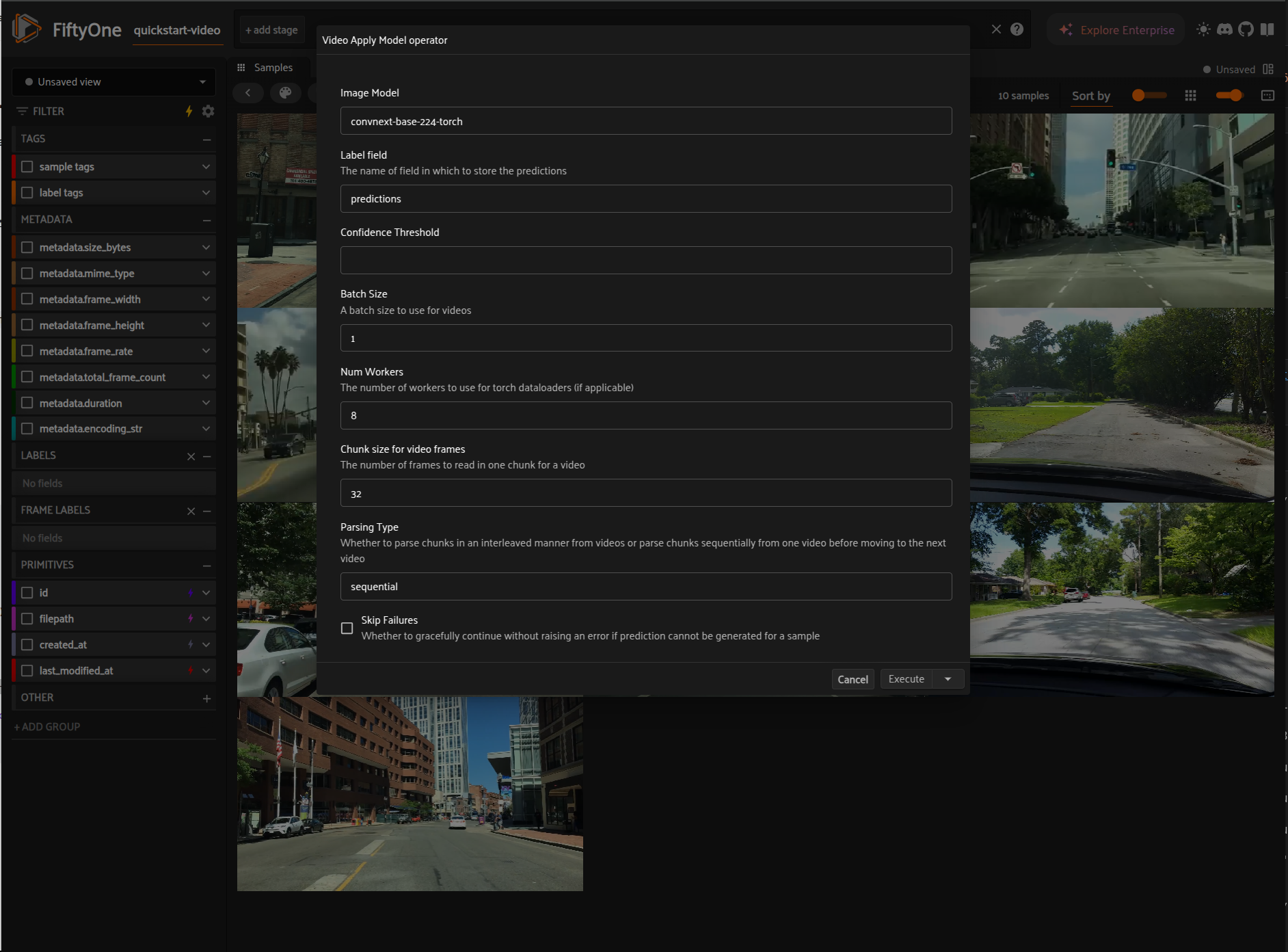 ### Via code
```python
import fiftyone.zoo as foz
from labs.plugins.video_apply_model import model_inference
dataset = foz.load_zoo_dataset("quickstart-video")
model = foz.load_zoo_model("clip-vit-base32-torch")
model_inference.apply_image_model_to_video_frames(
dataset,
model,
label_field="predictions",
frames_chunk_size=64,
num_workers=8,
confidence_thresh=0.5,
skip_failures=True,
parse_type="sequential",
)
```
## TODOs
- Add support for model class filtering
### Via code
```python
import fiftyone.zoo as foz
from labs.plugins.video_apply_model import model_inference
dataset = foz.load_zoo_dataset("quickstart-video")
model = foz.load_zoo_model("clip-vit-base32-torch")
model_inference.apply_image_model_to_video_frames(
dataset,
model,
label_field="predictions",
frames_chunk_size=64,
num_workers=8,
confidence_thresh=0.5,
skip_failures=True,
parse_type="sequential",
)
```
## TODOs
- Add support for model class filtering