
# Image segmentation via point prompts
Image segmentation via point prompts is a `fiftyone-labs` features that lets users interactively add keypoints to an image and use these keypoints for generating segmentation masks via a promptable segmentation model. There are two main components in this feaure:
1. The `click_segmentation` panel is an interactive tool for generating point prompts via clicks on the `Sample` modal. These point prompts can be input to a promptable segmentation model (such as Segment Anything Model) to create segmentation masks.
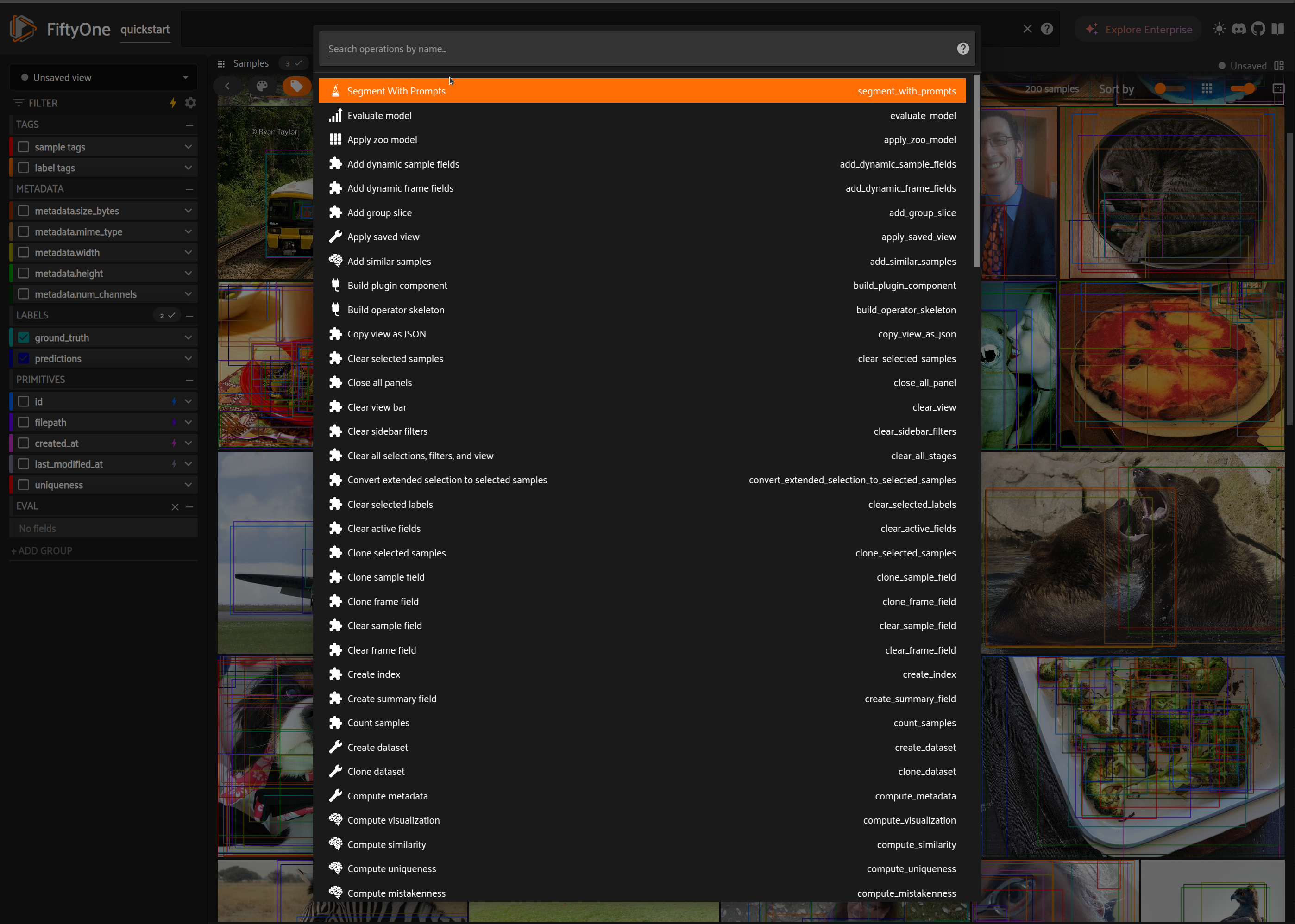
2. The `segment_with_prompts` operator is a standalone operator that can be used to run a promptable segmentation model with either box or keypoint prompts saved in a sample field. The operator may be applied to the entire dataset or a subset of the dataset.
## Usage
### Click To Segment Panel
```python
import fiftyone.zoo as foz
import fiftyone as fo
dataset = foz.load_zoo_dataset("quickstart")
# For a smoother experience, ensure that samples have metadata.
if dataset.count("metadata") != len(dataset):
dataset.compute_metadata()
session = fo.launch_app(dataset)
```
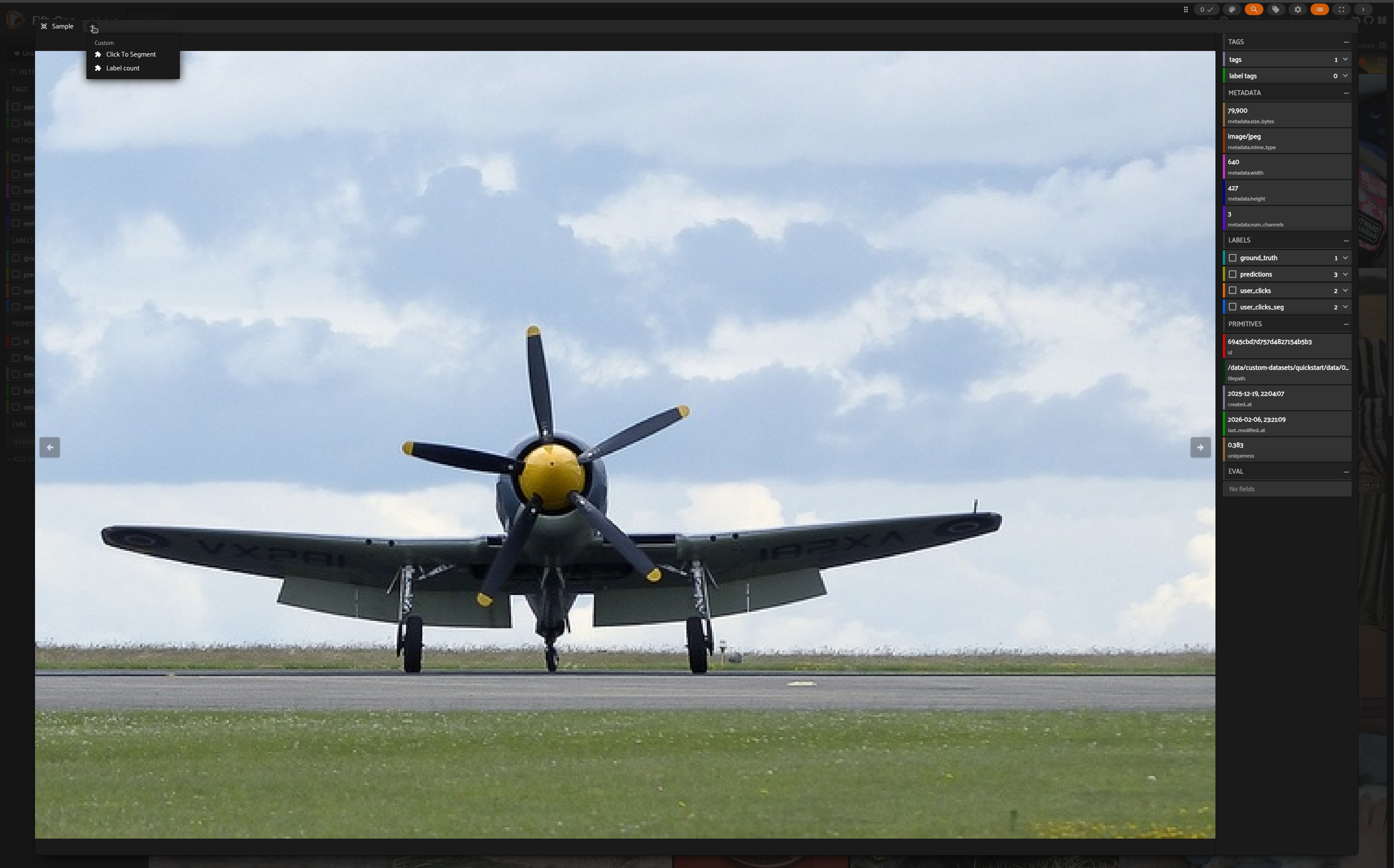
*Select a sample and open Click To Segment panel*
 *Enable capture mode by checking the box*
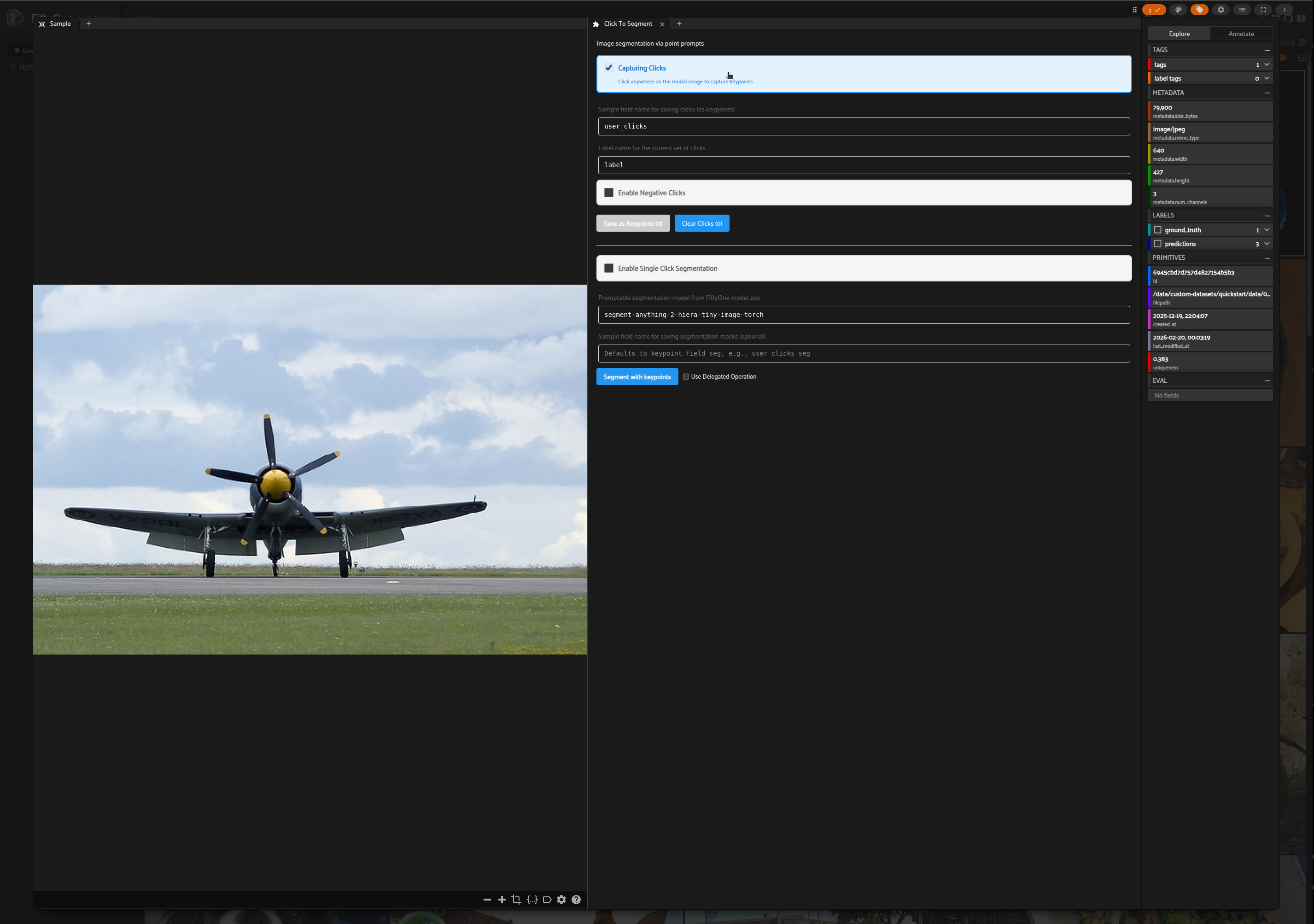 The panel has two modes of operation:
- [Multiple Click Capture](#multiple-click-capture): Users can save multiple sets of clicks and manually trigger segmentation.
- [Single Click Capture](#single-click-capture): Users can click on the sample modal and segmentation will auto-trigger.
#### Multiple Click Capture
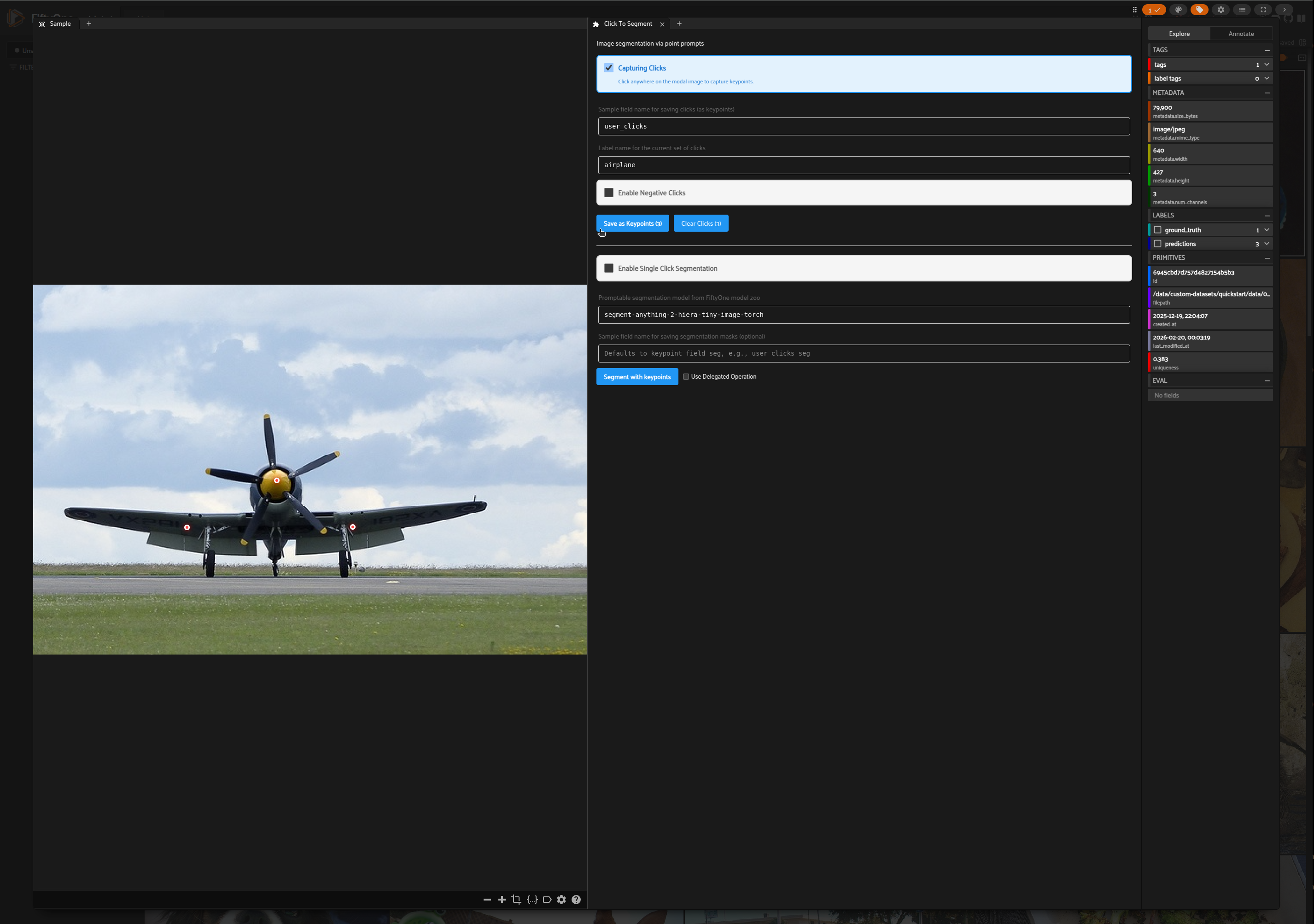
*In the Sample modal, add a set of clicks for airplane and save as keypoints*
The panel has two modes of operation:
- [Multiple Click Capture](#multiple-click-capture): Users can save multiple sets of clicks and manually trigger segmentation.
- [Single Click Capture](#single-click-capture): Users can click on the sample modal and segmentation will auto-trigger.
#### Multiple Click Capture
*In the Sample modal, add a set of clicks for airplane and save as keypoints*
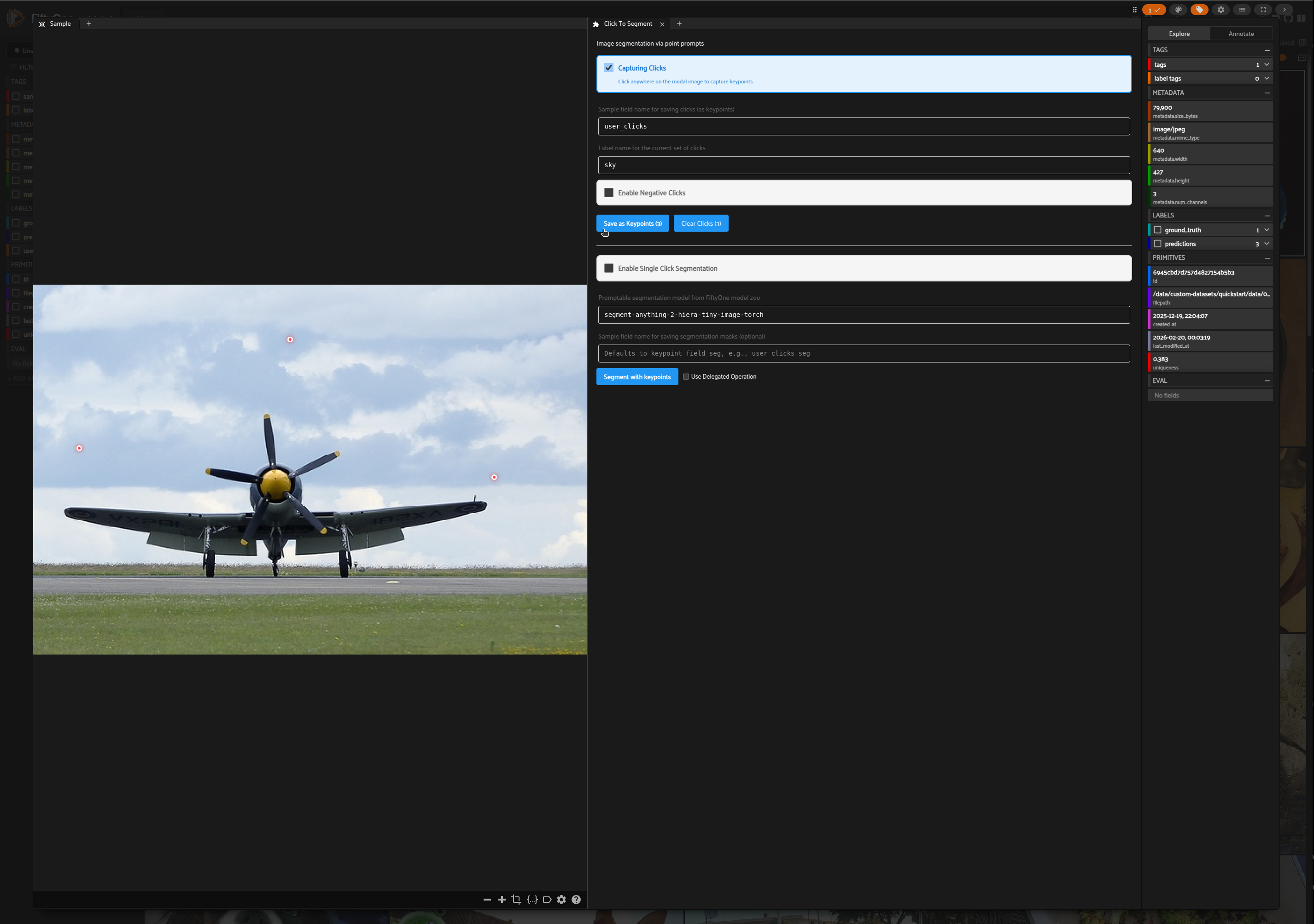
 *Add another set of clicks for sky and save as keypoints*
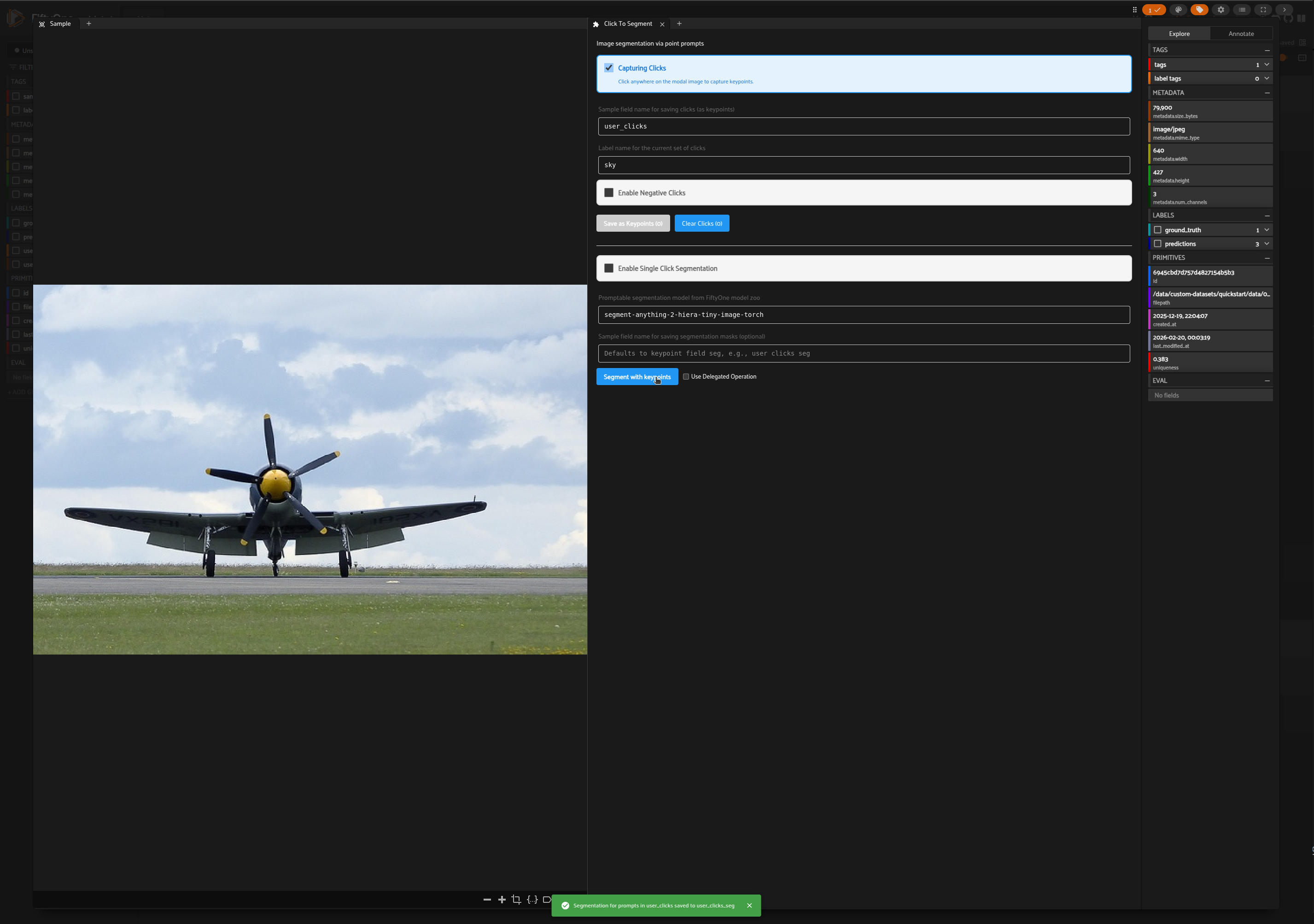
 *Choose a segmentation model from FiftyOne model zoo and click on Segment with Keypoints button*
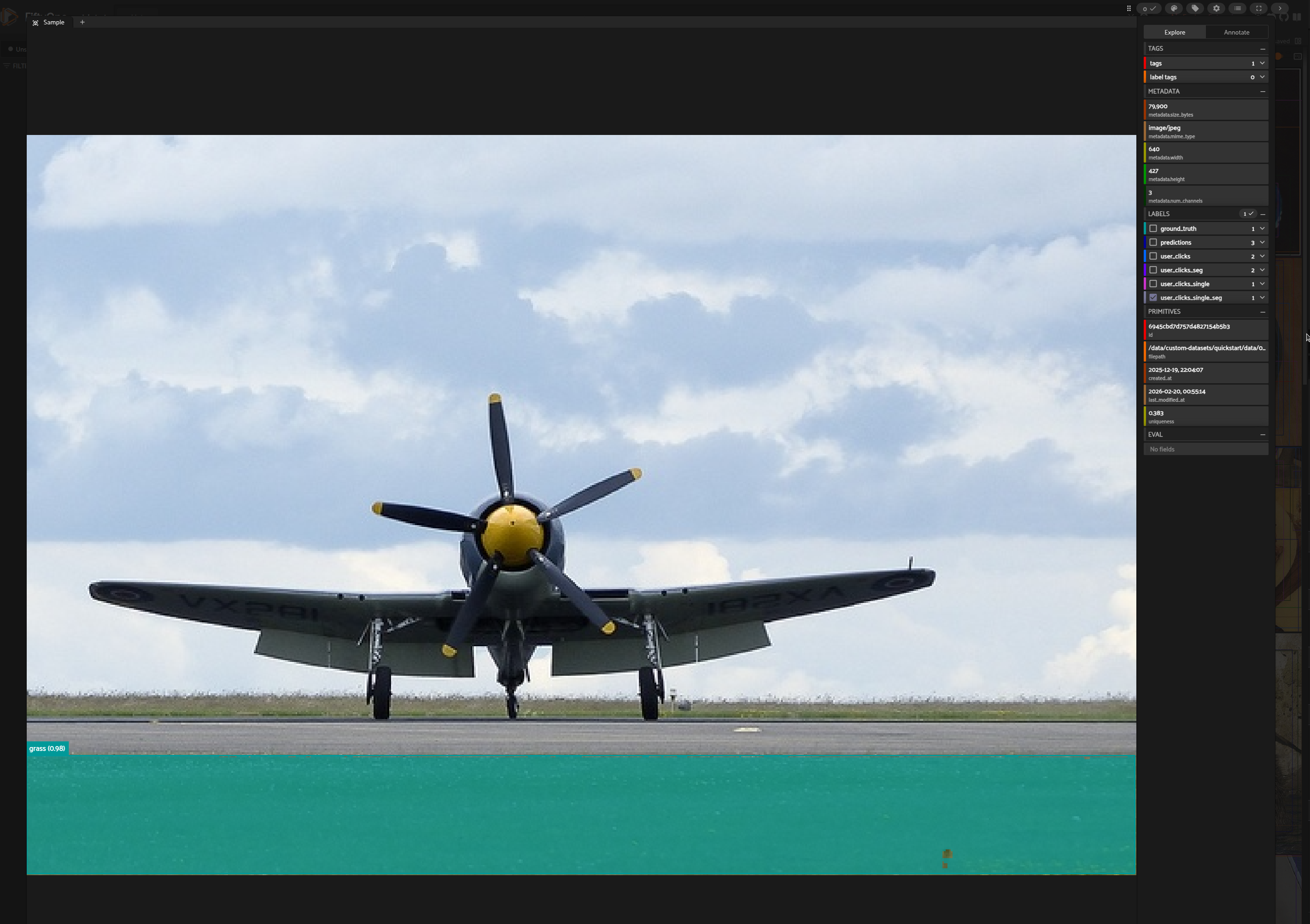
 *Segmentation masks will be added to the Sample*
 #### Single Click Capture
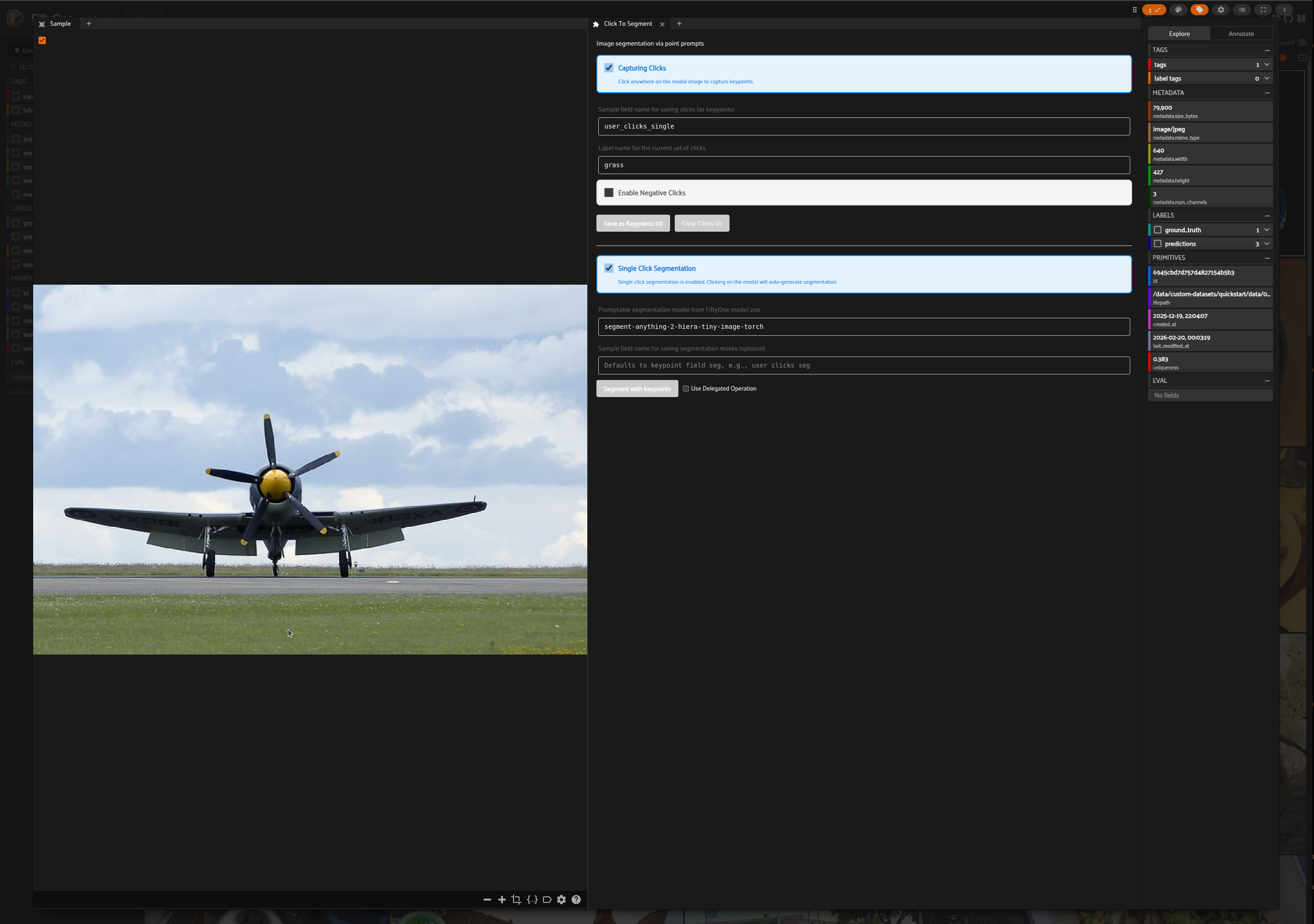
*In the Click To Segment panel, enable single click segmentation by checking the box*
#### Single Click Capture
*In the Click To Segment panel, enable single click segmentation by checking the box*
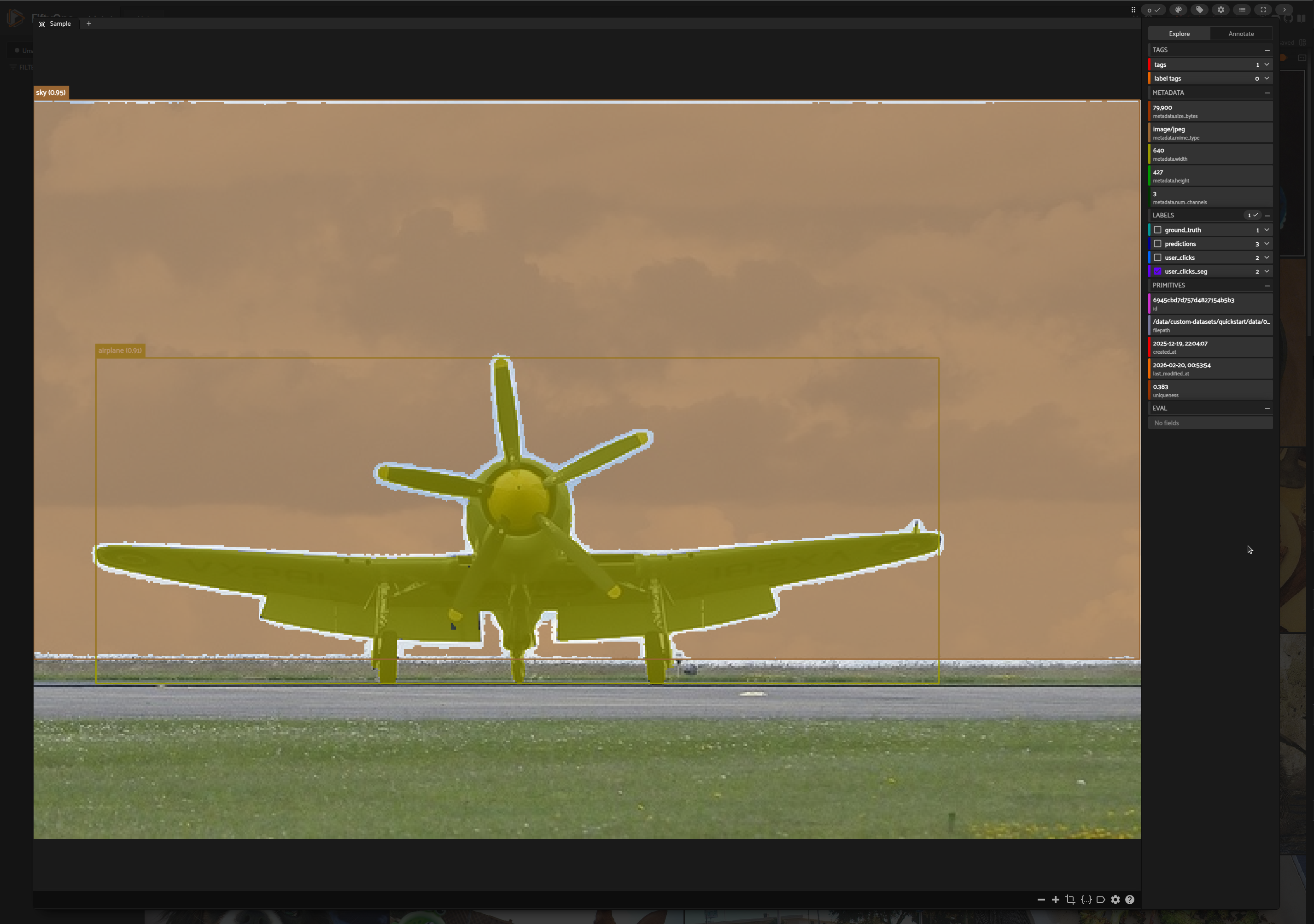
 *Add a click on the Sample modal to trigger auto-segmentation*
 ### Segment With Prompt Operator
*Launch the Segment With Prompts operator from the dropdown operators menu*
### Segment With Prompt Operator
*Launch the Segment With Prompts operator from the dropdown operators menu*
 *Add inputs and trigger execution*
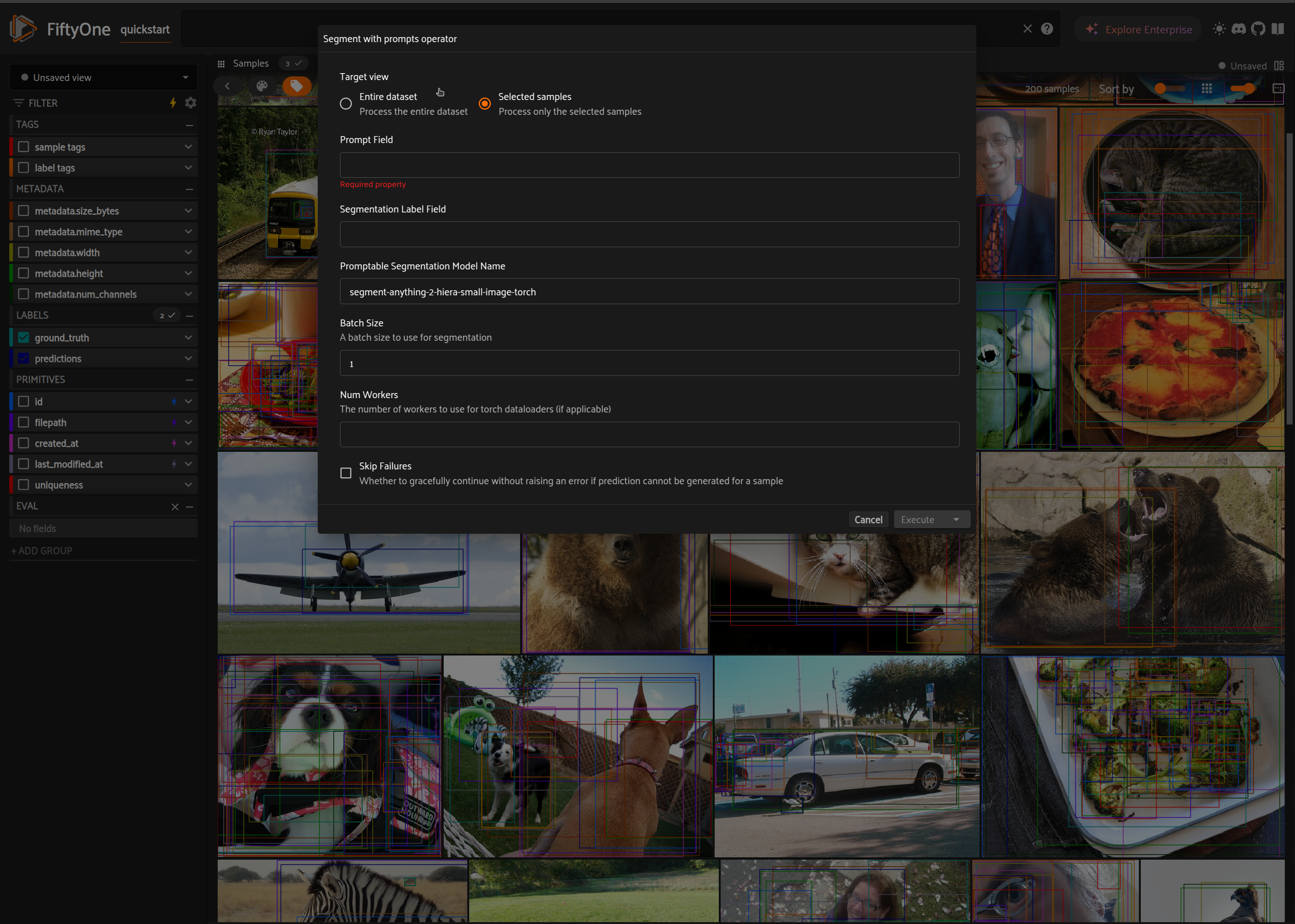 **Delegated Operation** To run `Segment With Prompts` operator with delegated operation, see the instructions [here](https://docs.voxel51.com/plugins/using_plugins.html#delegated-operations). You can also enable delegated operation via *Click To Segment* panel by checking the `Use delegated operation` checkbox next to *Segment With Keypoints* button.